Choose who changes
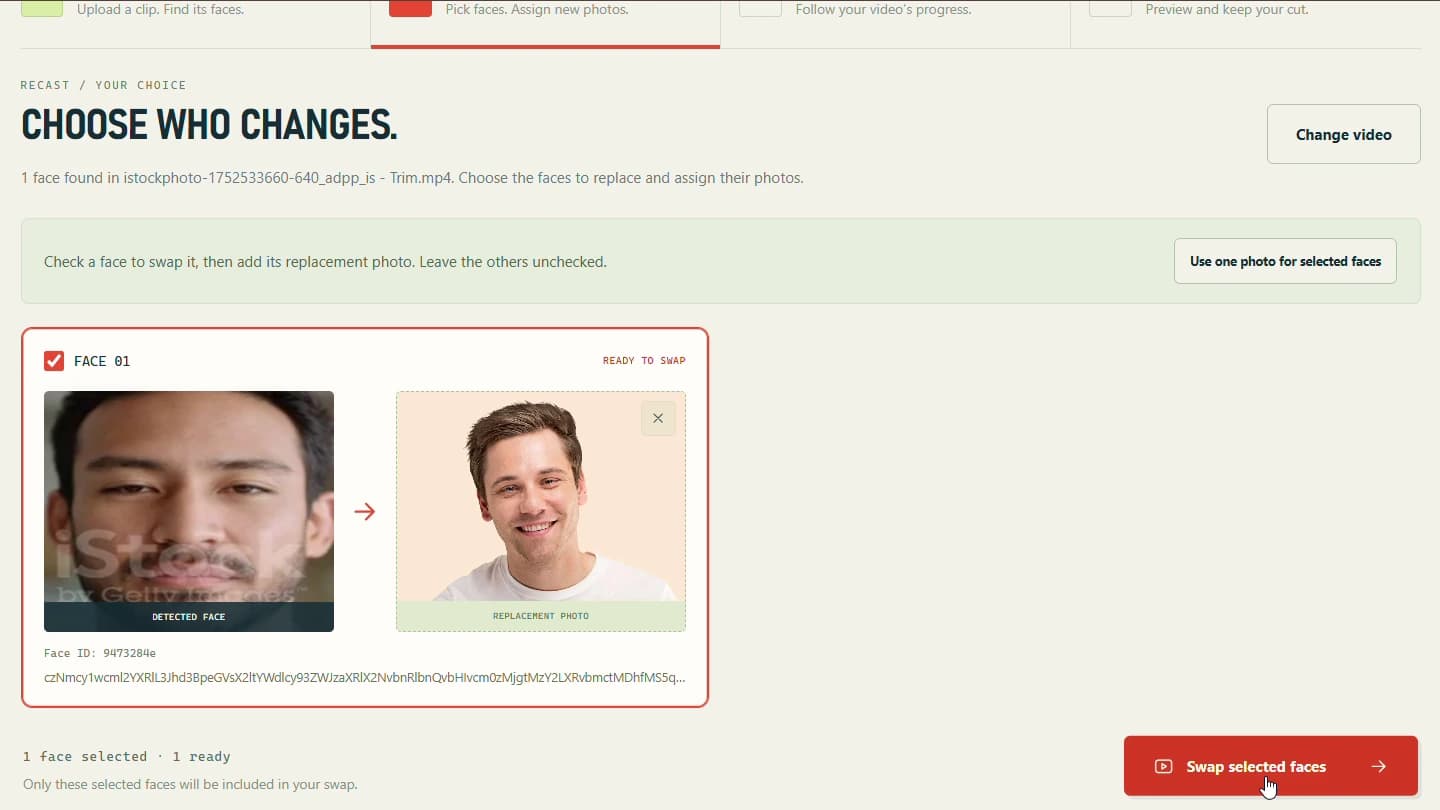
Review detected faces and assign replacement photos individually, while leaving unselected faces unchanged.
Choose the faces. Follow every frame.
Video face swapping involves more than choosing a model. Users need to see which faces were found, decide who changes, assign the right photos, and understand whether a long processing job is moving forward.
I built a JavaScript studio and a Python FastAPI processing workflow around existing face-swap models. The interface connects video upload, face analysis, per-face photo assignment, processing progress, and a result player. ONNX Runtime runs model inference, OpenCV supports frame handling, and FFmpeg handles video encoding.
Review detected faces and assign replacement photos individually, while leaving unselected faces unchanged.
See actual processed and total frame counts as the application works through the video.
Play the completed video in the studio and download the processed MP4.
Five views of the workflow. Open any screenshot at full size in a new tab.
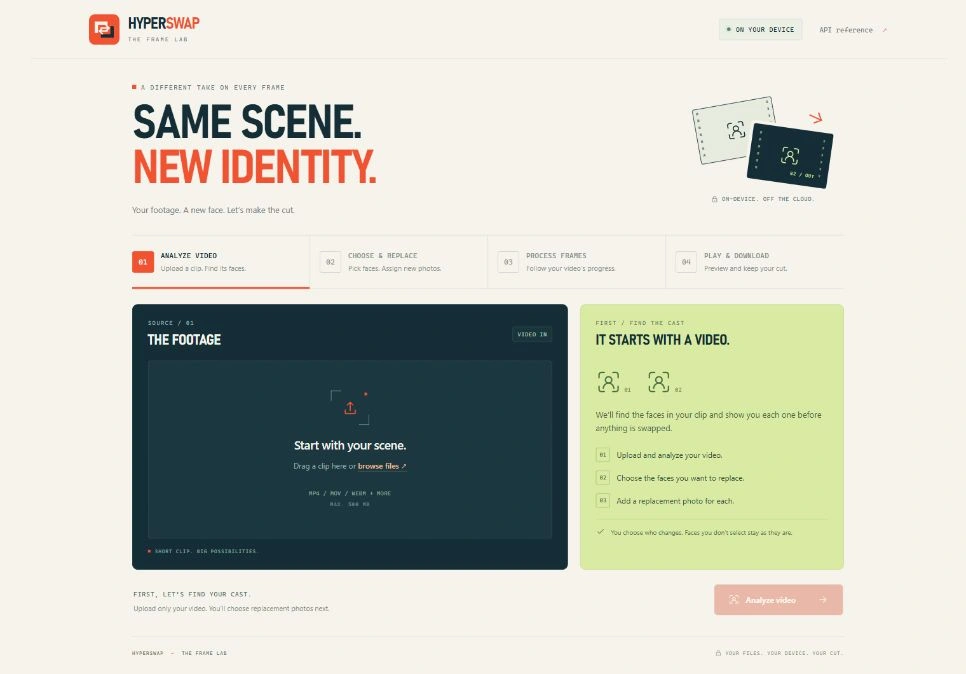
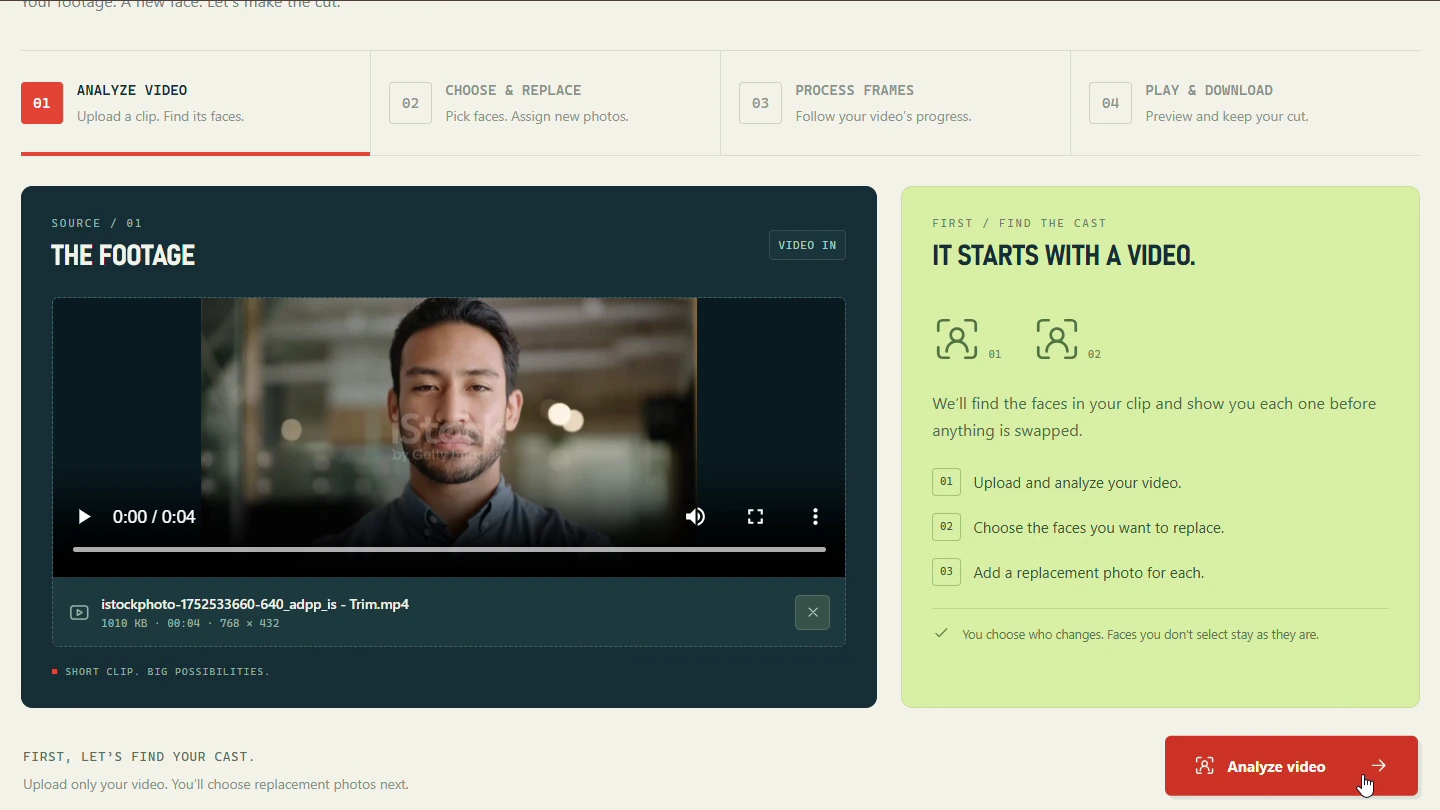
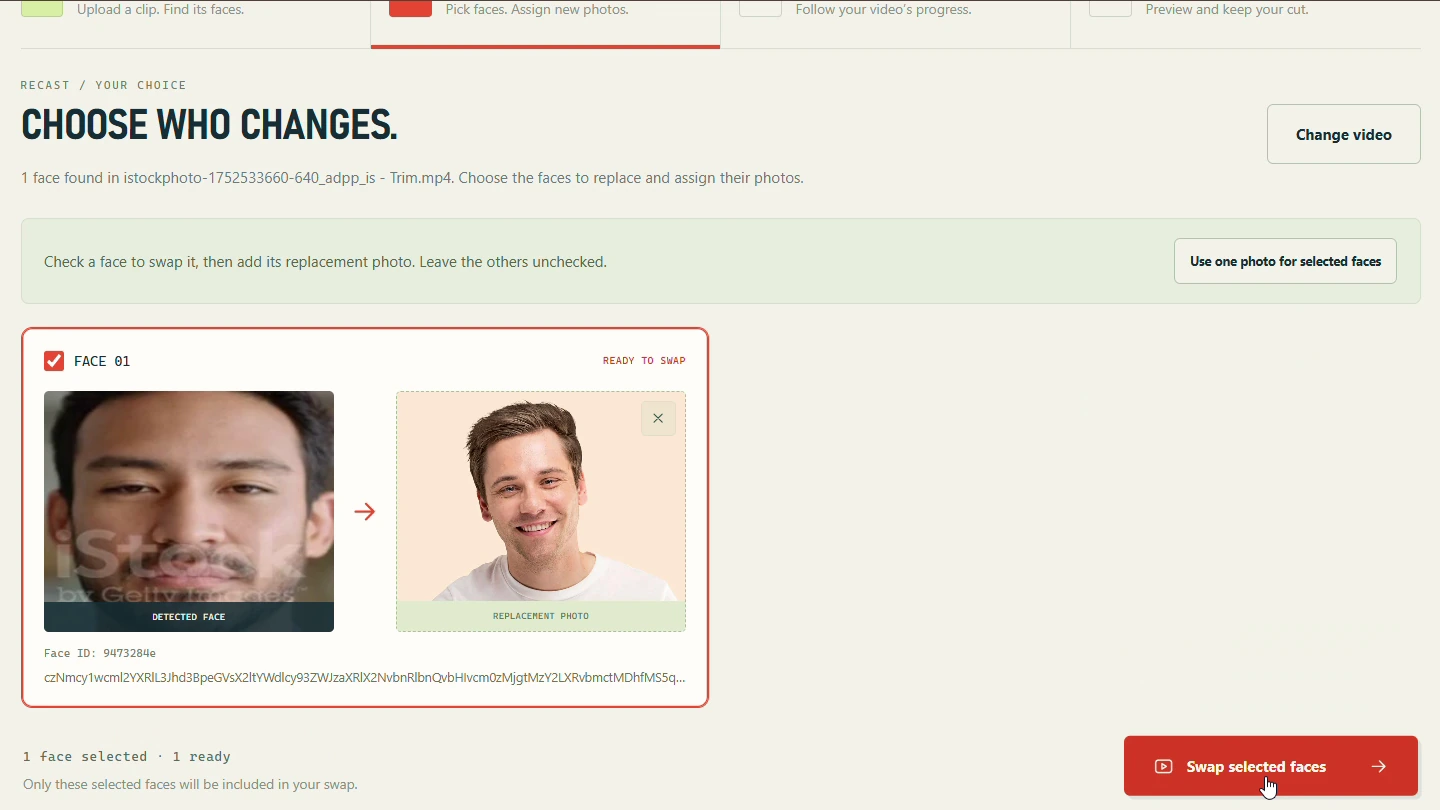
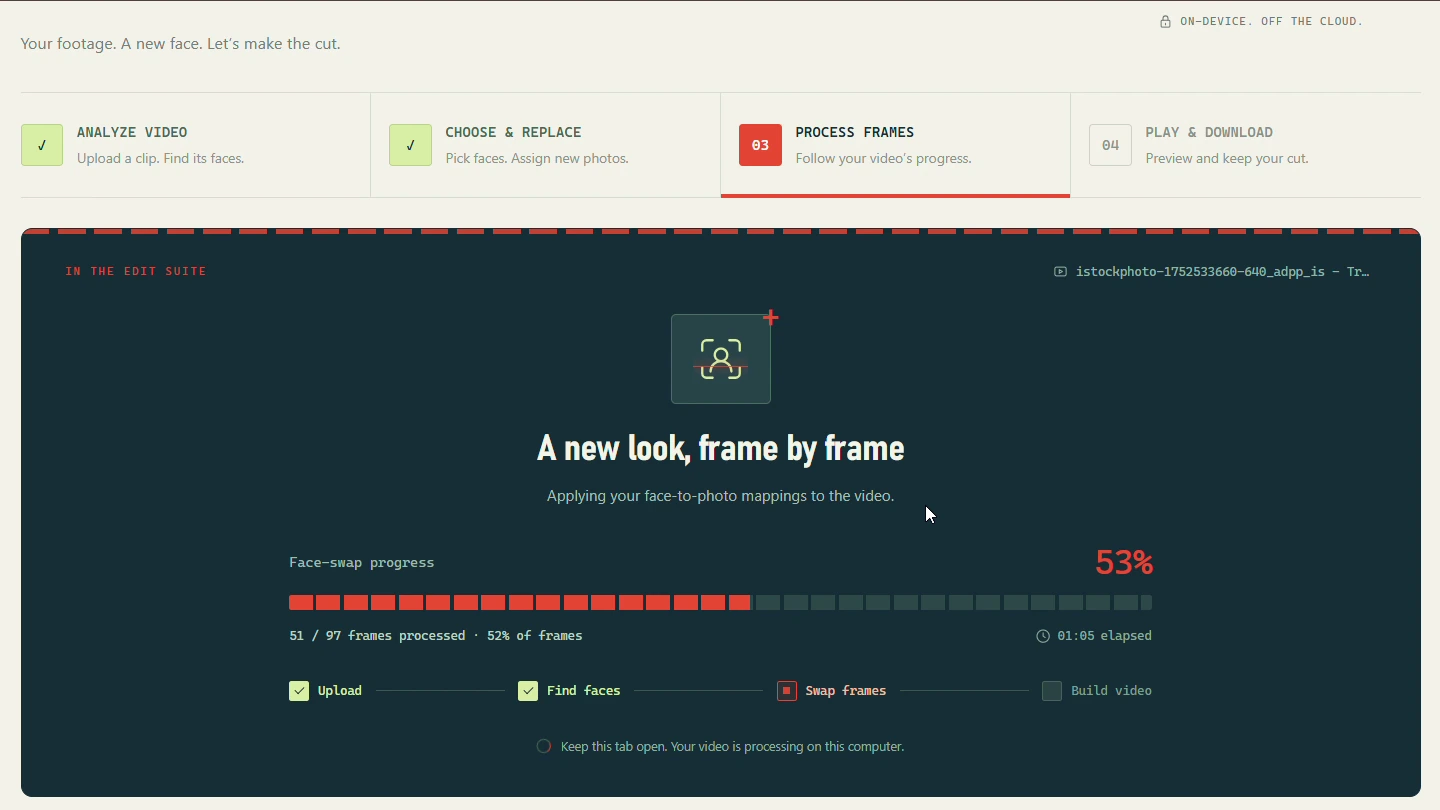
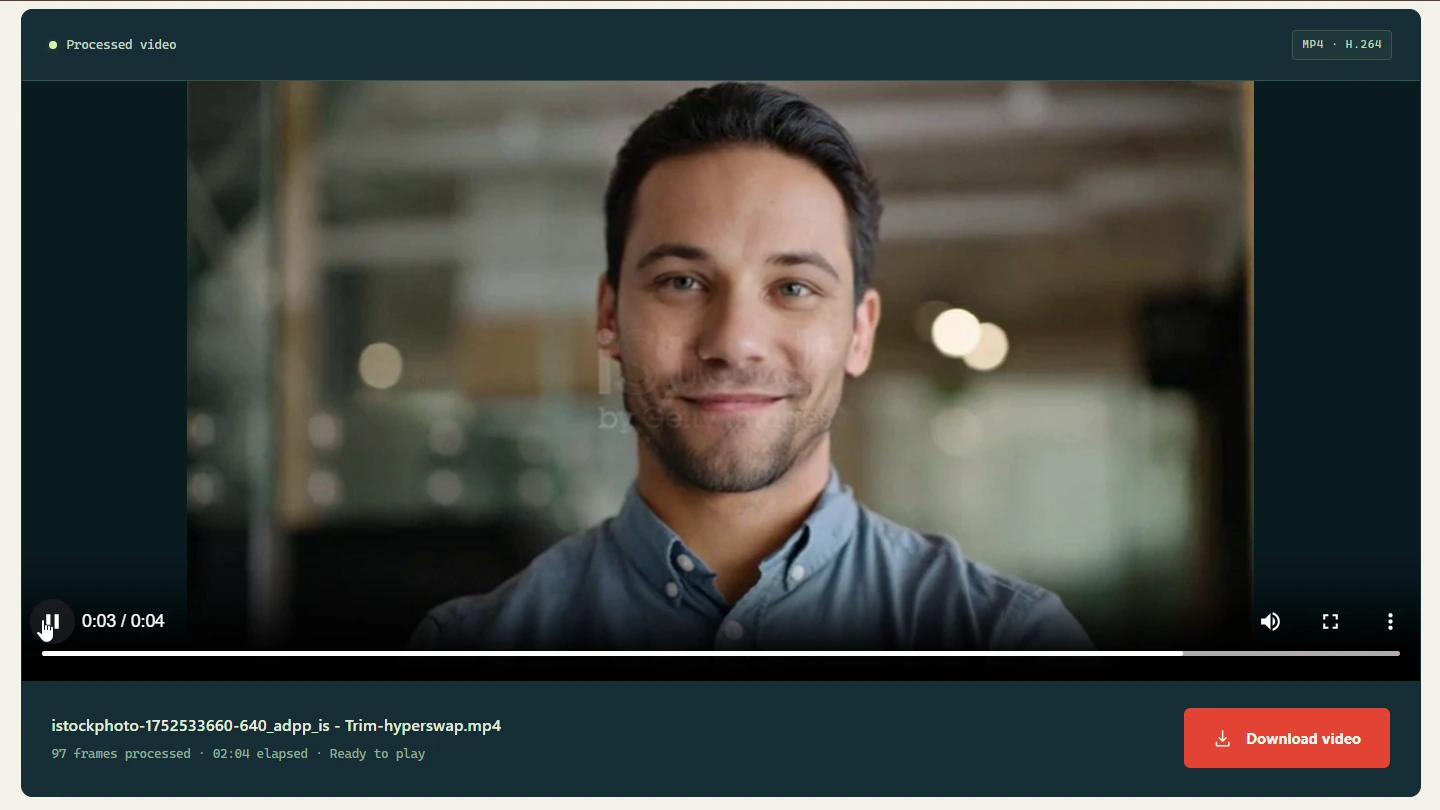
Keeping the interface connected to actual processing work. Progress uses completed and total frame counts so users can follow the job through the video, then move directly to playback and download when the result is ready.
A new product, a smarter workflow, or the next chapter of your app. Tell me what you’re working on.
Start a conversation usamak981@gmail.comPrefer Upwork? Find me there